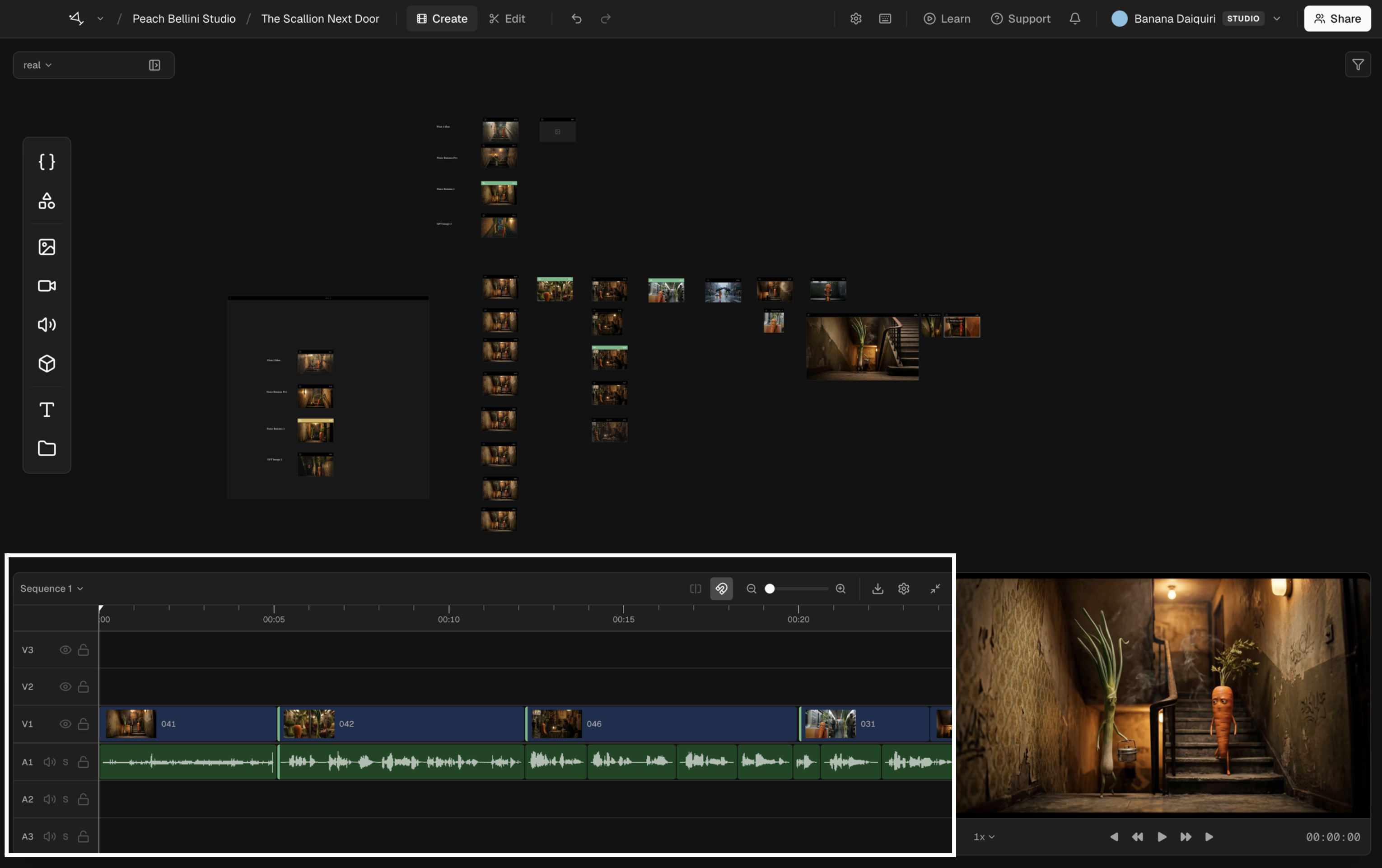
Timeline overview
Assemble shots into a sequence.
The timeline is where shots become a sequence. Drag shots from the canvas onto tracks, arrange them in order, trim, and preview the cut. It is not a replacement for Premiere or DaVinci, but it is enough to build a rough cut, check timing, and export a package for finishing.
Switch between the canvas and timeline with the mode switcher in the toolbar. The canvas is where you generate and organize. The timeline is where you cut.