
Your first shot
Generate an image, then turn it into video.
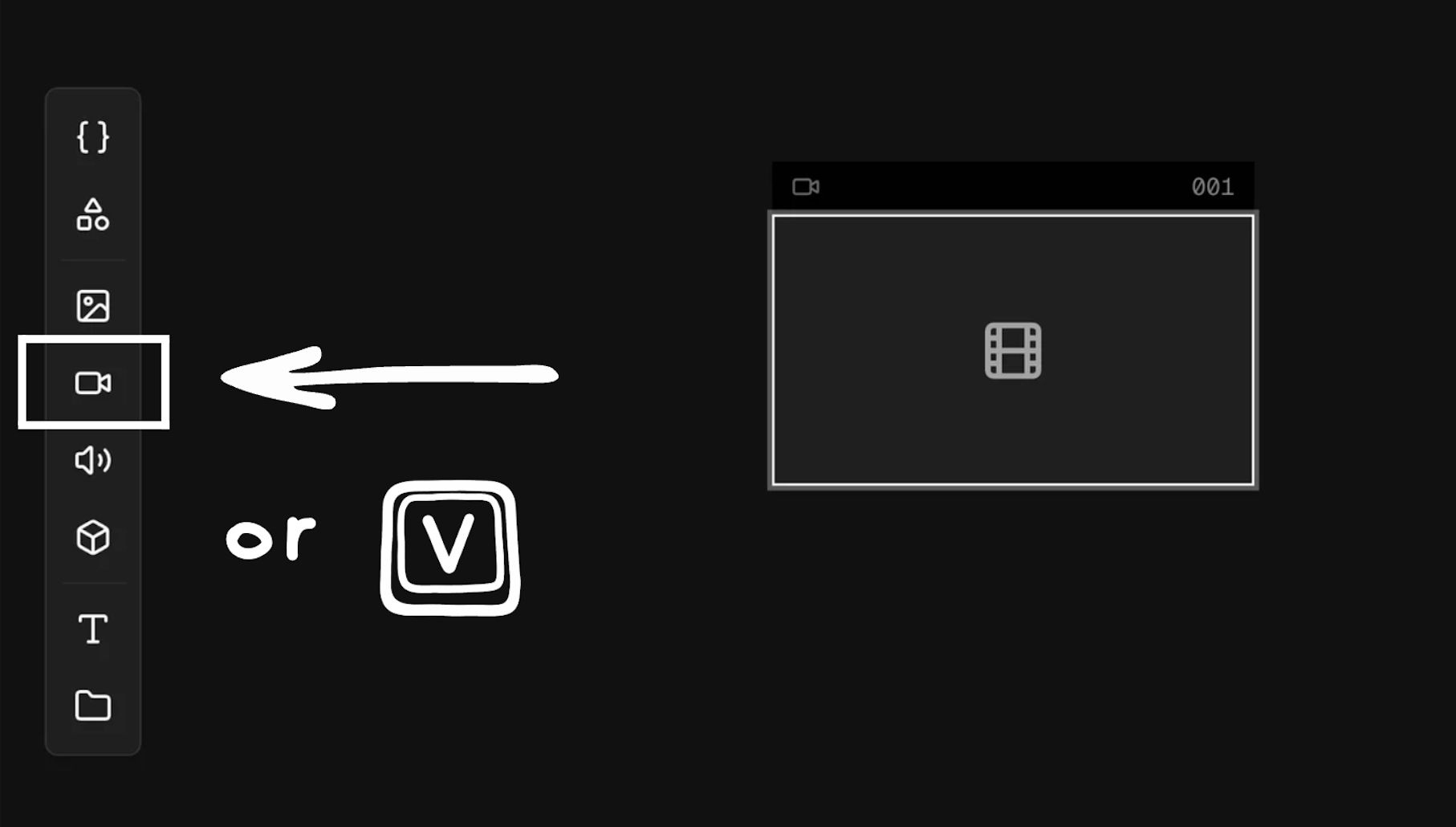
Every project starts with a blank canvas. Press V to place a shot, write a prompt, pick a model, and generate. That is the core workflow. The rest is iteration.
Martini supports image-to-video, video-to-video, and text-to-video generation. Choose the approach that fits the shot. Many filmmakers start with a generated or uploaded image, then use it as the start frame for video. The image anchors the composition; the model handles the motion.
Shortcuts
V
Create a new shot on the canvas.