Members and roles
Invite collaborators and give each person the access their work requires.
Team membership gives a collaborator access to the shared workspace and its projects. Roles determine whether that person can only work in the workspace or can also manage it.
Choose a role
- Member: works in team projects and uses the models and billing available to the team.
- Admin: manages members, model access, settings, billing, and spend controls.
- Billing: an Enterprise role limited to billing, invoices, the Martini API, and provider connections. It does not grant ordinary project access.
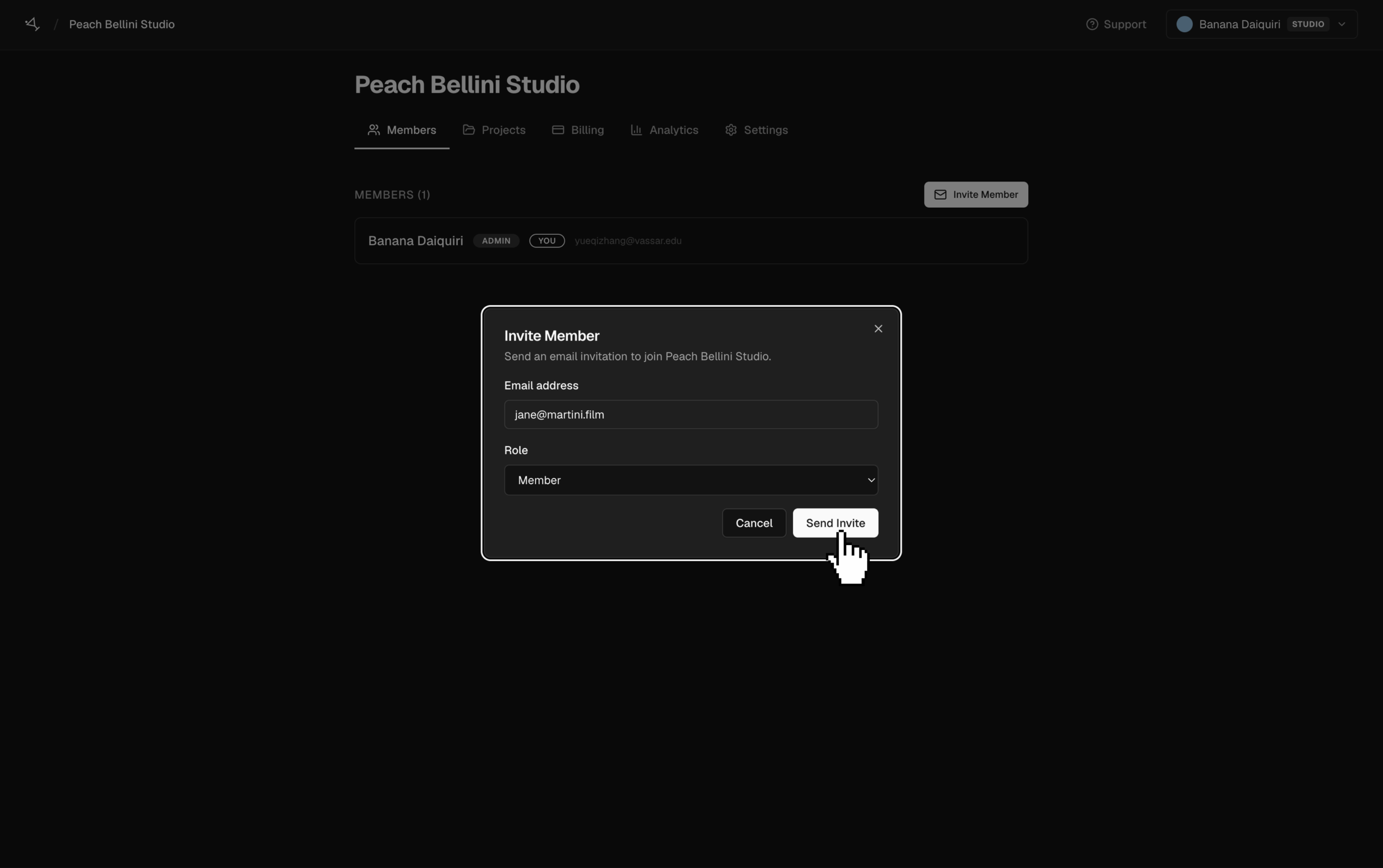
Invite a member
- Open the team workspace, then open Members.
- Select Invite Member, enter the person's email address, and choose a role.
- Select Send Invite. The invitation remains pending until it is accepted or expires.
Admins can change another member's role, revoke a pending invitation, or remove a member. A member can also leave the team from the same page.
Removing someone ends their team access; it does not delete the team-owned projects or media they worked on. Before changing the role of an admin or removing them, make sure another admin can manage the workspace.