Account and profile
Manage your collaborator identity, sign-in options, and notifications.
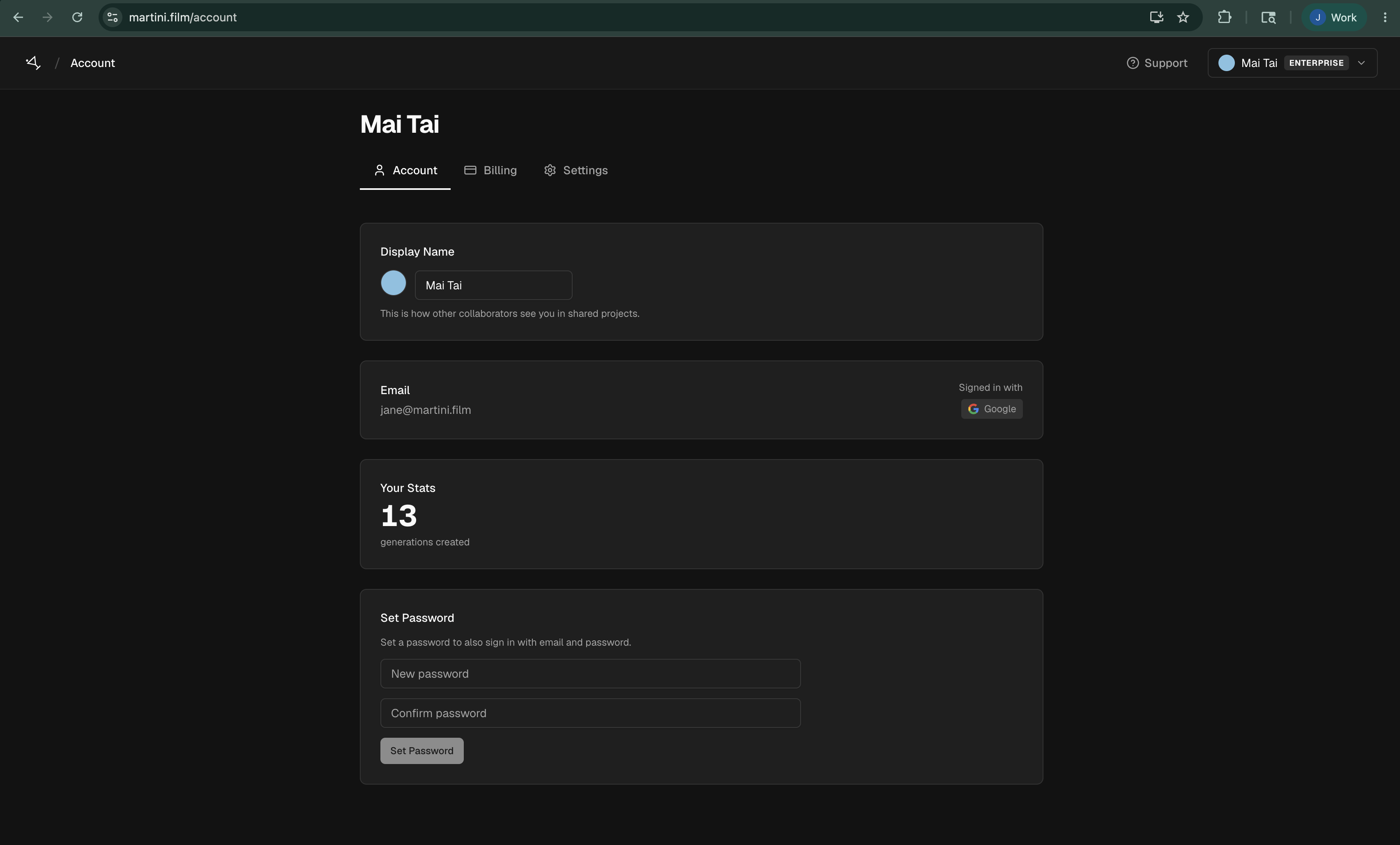
Your profile is how other people recognize you in Martini. The display name and color appear on collaborator cursors and other shared-project activity, while your email connects sign-in and team invitations to your account.
Open Settings > Account to update your display name or choose a different color. Display-name changes save after you stop typing; color changes save when you select one.
The Account page also shows your sign-in methods. If you already use email and password, enter the current password before setting a new one. If you signed up with Google, you can set a password to add email-and-password sign-in.
Use Comment emails to choose whether Martini emails you when someone mentions you or replies to one of your threads. This setting changes email notifications, not the comments stored in a project.
Your Stats is a read-only summary of completed generations by capability. It appears after the account has completed at least one generation.