Models
Choose a model by the inputs, controls, speed, and cost your shot needs.
There is no single best model for every shot. Start with the constraint that matters most: a required start frame, a specific duration, native audio, faster iteration, or tighter control over motion. Then compare the compatible models in the picker.
Each model lists the media it can generate and the controls it accepts. Some work from text alone. Others accept reference images, start and end frames, or source video. Resolution, aspect ratio, duration, generation time, and olive cost also vary.
Use one model for the first useful take, then try another only when it offers a meaningful advantage for the shot. Changing several variables at once makes the comparison harder to judge.
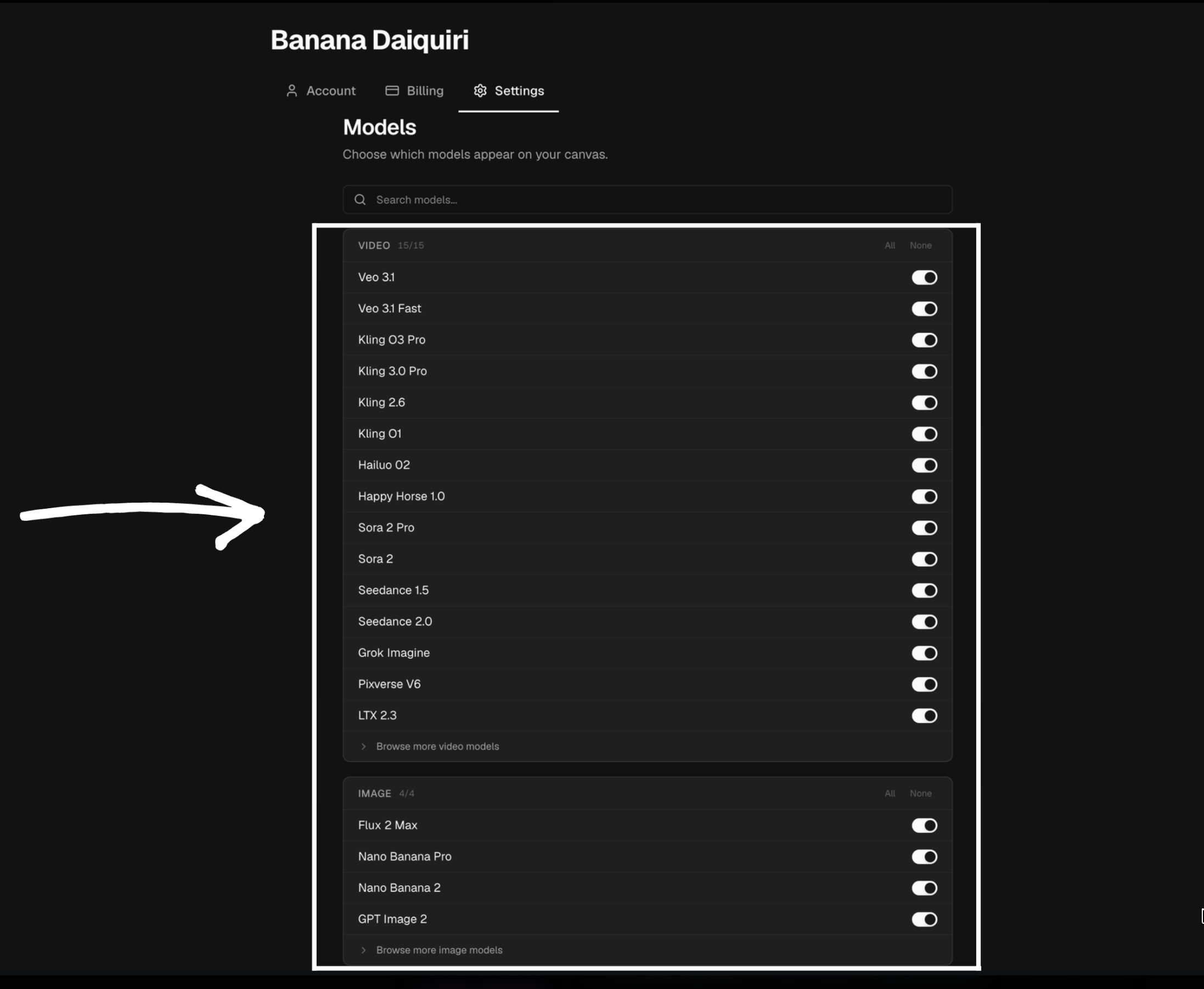
You can hide models you do not use in Preferences. Hiding a model keeps the picker focused and does not affect earlier generations made with it.