Team billing
Manage a shared plan, olive balance, usage, and monthly controls.
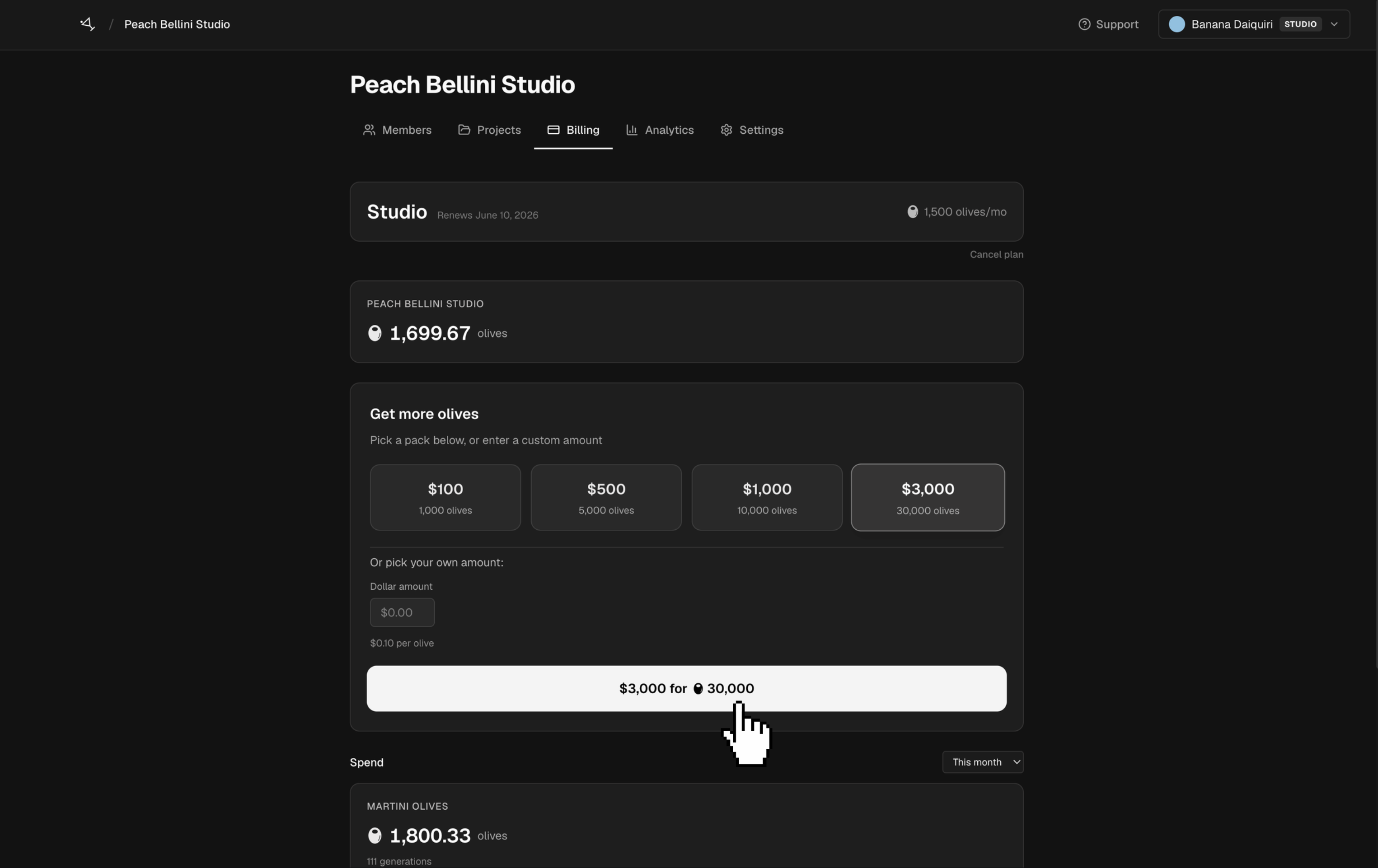
A team has its own plan and olive balance. A project labeled Team billing spends from that balance. A project labeled Pay per user spends from the personal account of the person generating.
Open Billing in the team workspace to review the current plan and balance. From there, an authorized billing user can buy olives, configure auto top-up, review recent spend, and open invoices. Admins can also manage the team plan and billing portal.
Understand usage
- Usage analytics breaks spend down by project, member, and model.
- Invoices record charges such as subscriptions and olive purchases.
- Olive activity records balance changes, including generation charges, top-ups, and eligible refunds.
Admins can set a monthly olive cap and an alert threshold for each member in Usage analytics. Caps reset on the first day of each month in UTC. When a member reaches the cap, new generations charged to the team are blocked until the cap resets or an admin changes it.
Personal and team balances stay separate. Before generating, check the project's billing label in the team workspace so you know which balance it will use.